What is BassRack?
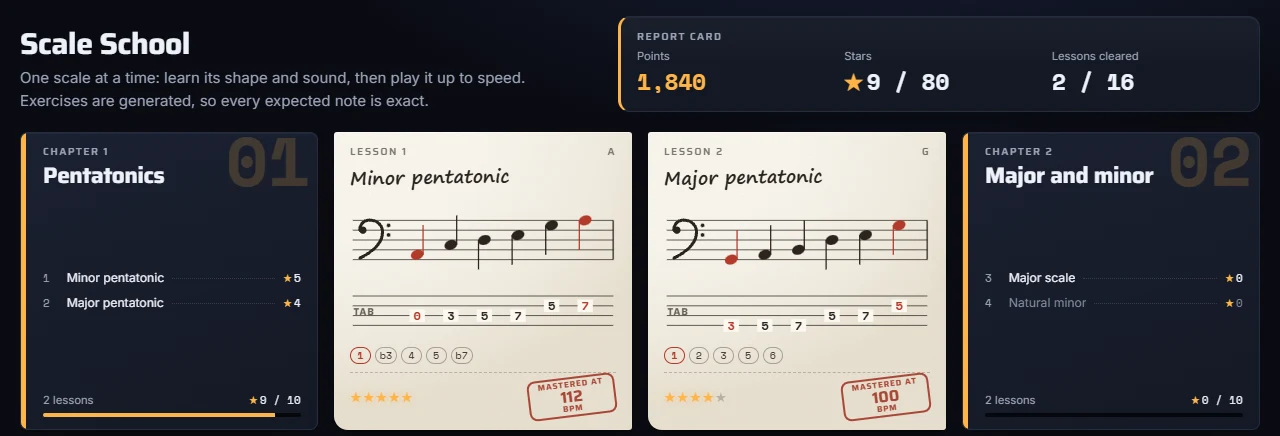
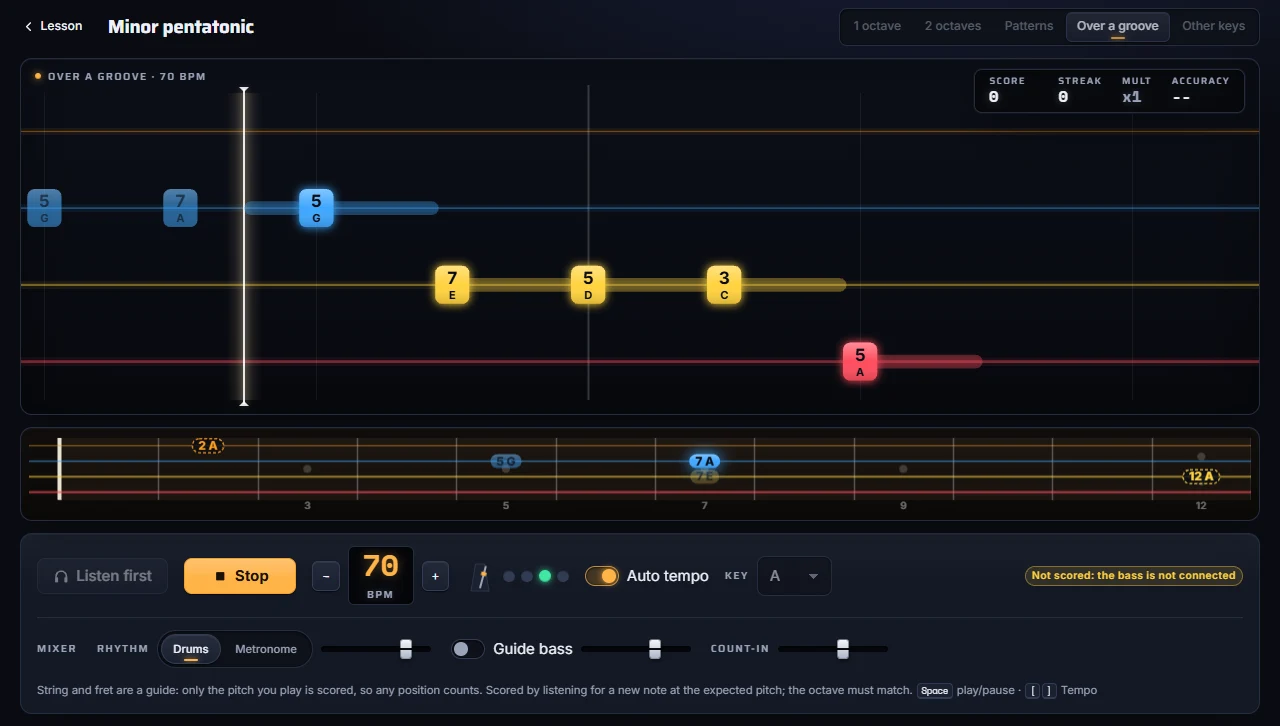
BassRack is a bass trainer that runs in your web browser. You bring a song, it separates the bass with AI, turns the bass line into a playable note highway with string and fret numbers, and scores your real bass, note by note, while you play along. It also has a Scale School for practicing scales over drums or a metronome.
How much does BassRack cost?
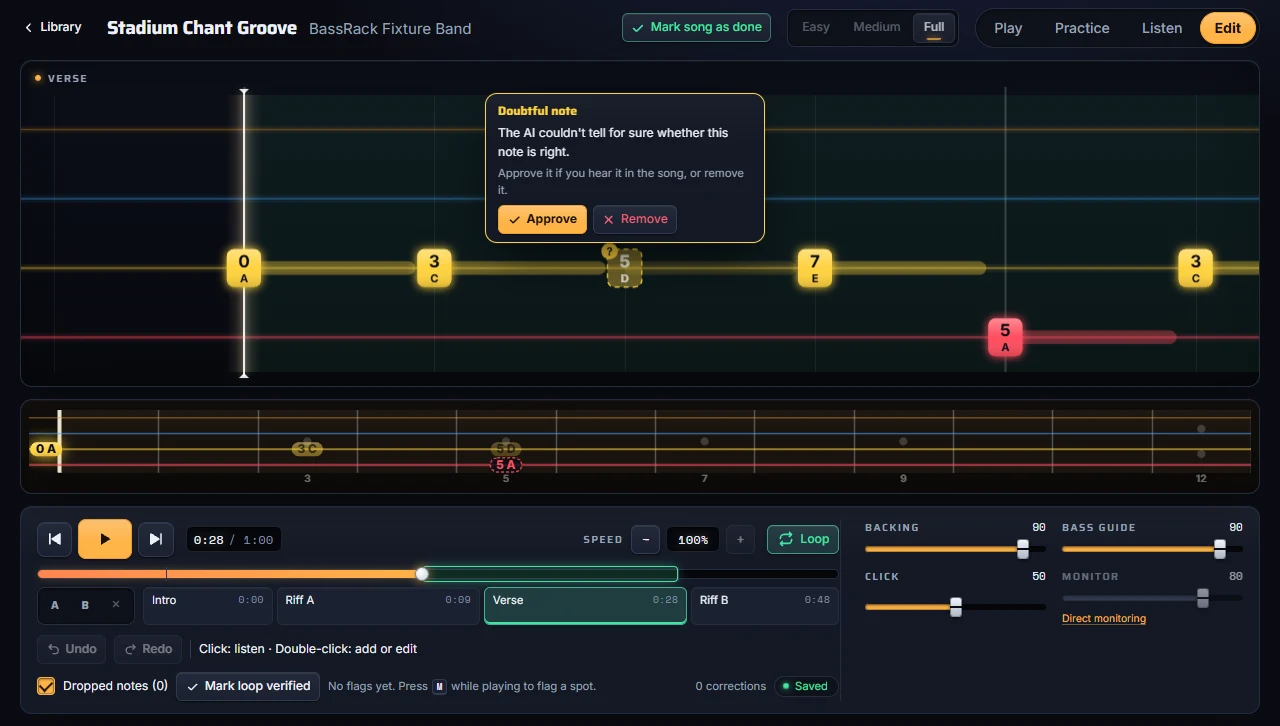
The Free plan costs nothing: it includes the full game, the Scale School, the A–B loop, the chart editor and uploading your own files, with ads. It also includes the free, optional tuner helper for practicing songs from a link. Premium removes the ads. Premium Cloud removes the ads and adds processing on our servers for devices that are too weak. Premium costs $3.99 a month or $29.99 a year. Premium Cloud costs $9.99 a month or $79.99 a year and covers about 50 songs a month; your audio is deleted after processing. Prices are in US dollars, and Paddle handles taxes at checkout.
Do I have to install anything?
No. BassRack runs in your browser. The BassRack Tuner helper is free, optional and only for importing songs from a link; uploading your own files never needs it, and no plan requires it.
What is the BassRack Tuner?
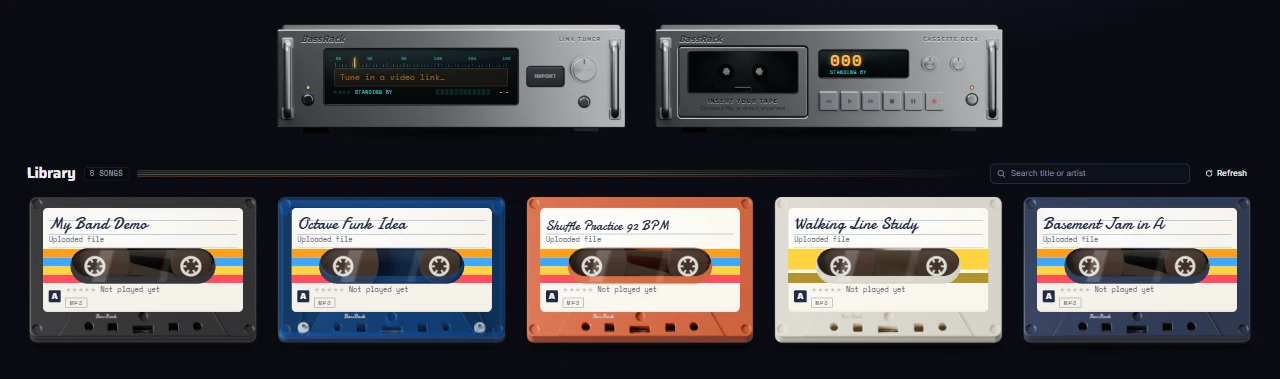
A free, optional desktop helper for anyone who wants to practice songs from a link, on any plan. A Windows beta is on the tuner download page (the Microsoft Store comes later); macOS gets a signed download soon. It sits next to the clock or in the menu bar. When it runs, the tuner in BassRack raises its antenna: paste a link from any supported site, the helper fetches the audio on your own computer, and the song becomes a new cassette in your library. Use only audio you own or have the right to use.
Is the tuner safe?
It only talks to bassrack.com in your browser, on your own computer, and never listens to the network. It is paired with your browser the first time you use it, so nothing else can use it. It updates itself and checks the signature of every update before installing it.
Which basses, tunings and audio interfaces work?
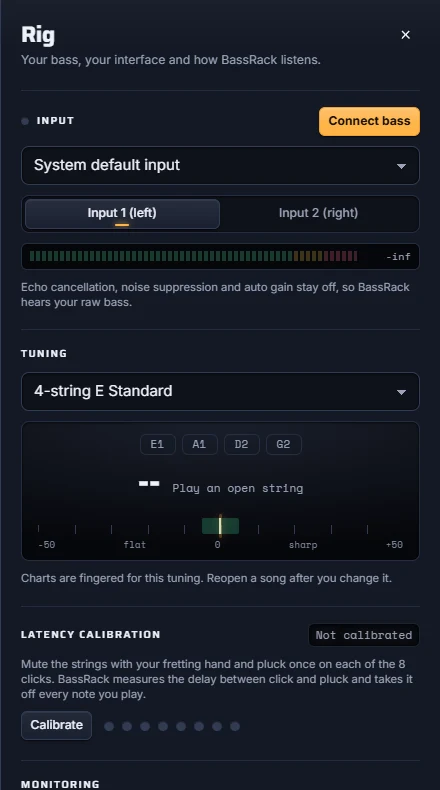
Any electric bass and any audio interface with an instrument input, connected by cable. Four- and five-string basses are supported, in standard and drop tunings; charts are re-fingered instantly when you change the tuning. Pick the device and the input (1 or 2) in the Rig panel.
Which devices can run BassRack?
Practicing needs a recent browser (Chromium-based or Firefox) with low-latency audio and an audio input. Processing songs on your own device needs a capable graphics card with WebGPU; on weaker computers, phones and tablets you can still practice everything, and Premium Cloud processes the songs on our servers. The device check on this page tells you what your computer can do. Check my device
Does my audio leave my device?
On the Free and Premium plans, no: your library, your songs, the separated tracks and your playing are processed and stored on your own device. With Premium Cloud, only the files you upload for processing are sent to our servers, and the audio is deleted after processing.
How is it different from learning from tabs?
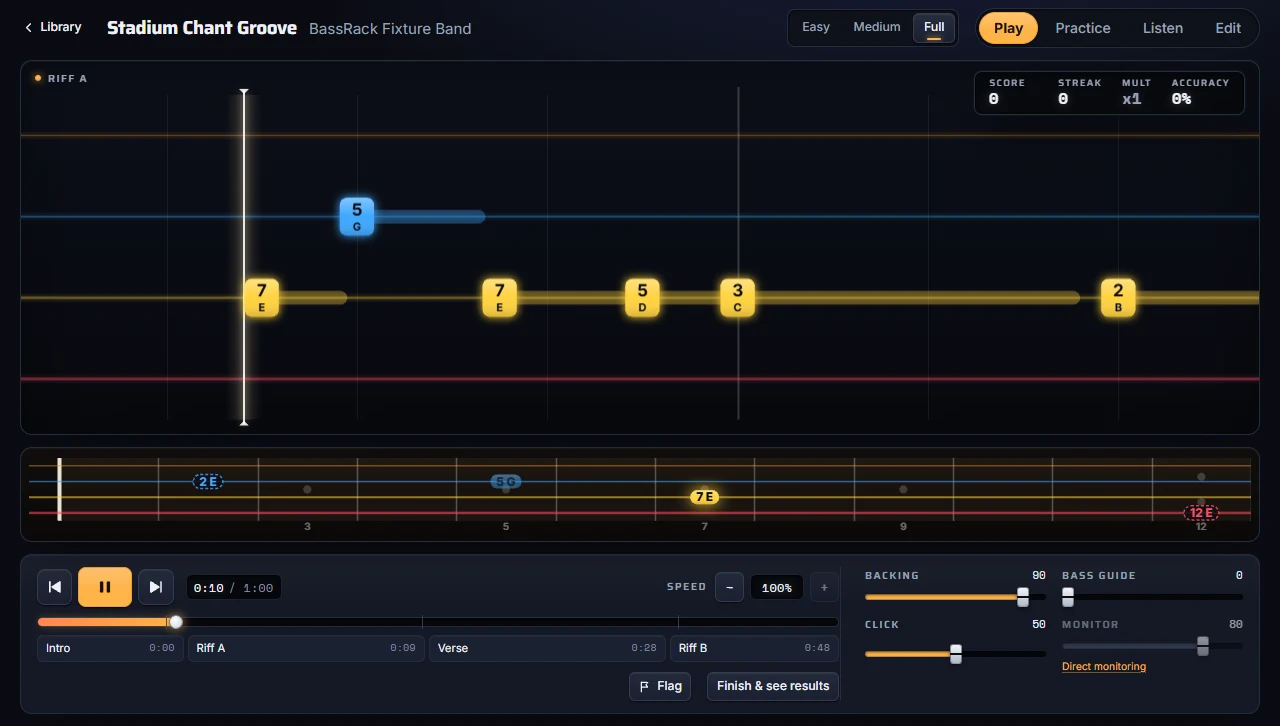
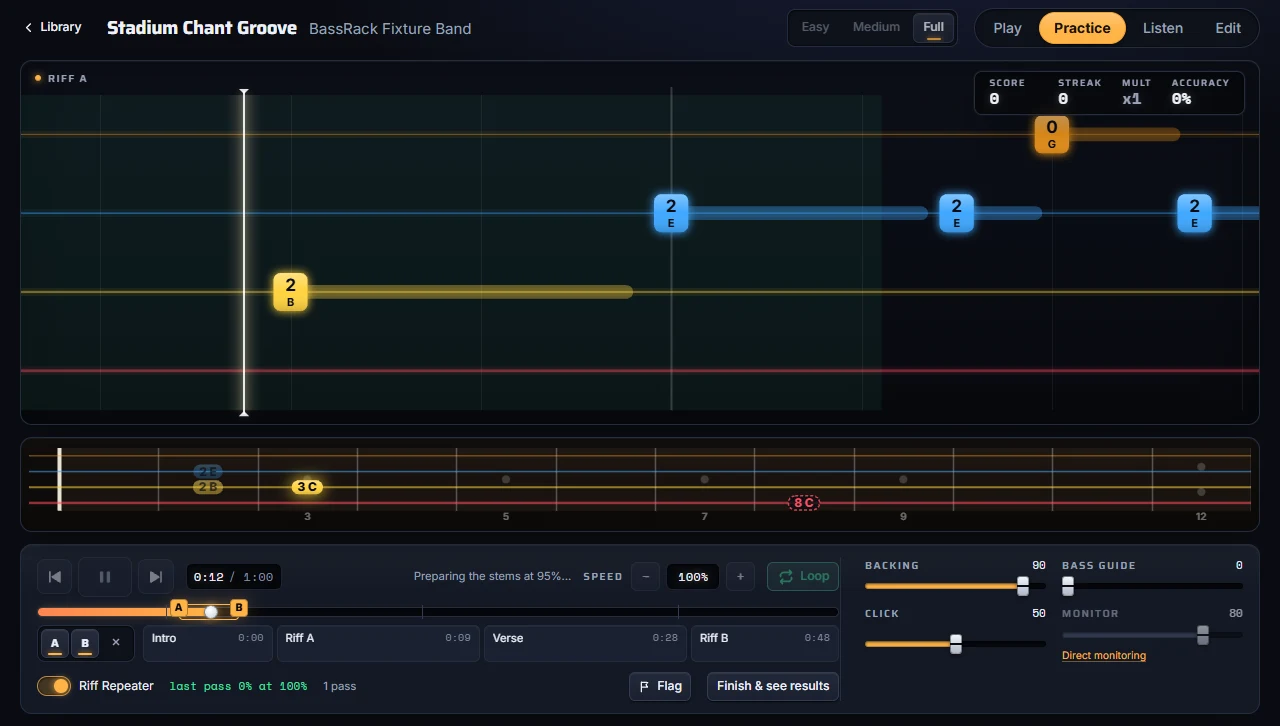
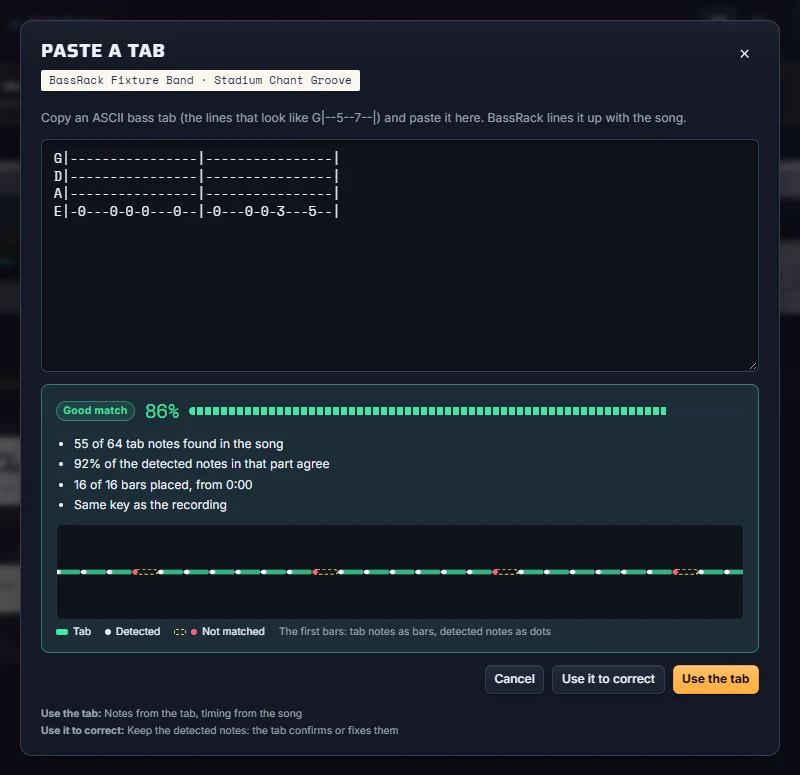
A tab tells you which frets to play, but not exactly when, and it cannot hear you. BassRack shows every note in time with the real recording, listens to your bass and scores your timing and pitch, lets you slow down without changing pitch and loop any passage. If you have a tab you trust, paste it: BassRack aligns it to the song.
Which songs can I use?
Music you own or have the rights to use. Upload the audio file you have, or import from a link with the free, optional tuner helper, under the same rule: use only audio you own or have the right to use.
Will I hear a delay when I play?
Not if you use direct monitoring on your audio interface: you hear your bass straight from the interface, with zero latency. Software monitoring is optional and adds roughly 20 to 40 ms. Run the latency calibration once per setup so scoring stays fair, and avoid Bluetooth headphones.
Do I need to read tab or notation?
No. The highway shows the string and fret of every note as it comes, and you can add note names. Start on Easy and move up when you are ready.

%22%2F%3E%3Cstop%20offset%3D%221%22%20stop-color%3D%22hsl(296%2C70%25%2C15%25)%22%2F%3E%3C%2FlinearGradient%3E%3C%2Fdefs%3E%3Crect%20width%3D%22320%22%20height%3D%22180%22%20fill%3D%22url(%23g)%22%2F%3E%3Cline%20x1%3D%220%22%20x2%3D%22320%22%20y1%3D%2250%22%20y2%3D%2250%22%20stroke%3D%22rgba(255%2C255%2C255%2C.25)%22%20stroke-width%3D%222%22%2F%3E%3Cline%20x1%3D%220%22%20x2%3D%22320%22%20y1%3D%2276%22%20y2%3D%2276%22%20stroke%3D%22rgba(255%2C255%2C255%2C.25)%22%20stroke-width%3D%223%22%2F%3E%3Cline%20x1%3D%220%22%20x2%3D%22320%22%20y1%3D%22102%22%20y2%3D%22102%22%20stroke%3D%22rgba(255%2C255%2C255%2C.25)%22%20stroke-width%3D%224%22%2F%3E%3Cline%20x1%3D%220%22%20x2%3D%22320%22%20y1%3D%22128%22%20y2%3D%22128%22%20stroke%3D%22rgba(255%2C255%2C255%2C.25)%22%20stroke-width%3D%225%22%2F%3E%3Ctext%20x%3D%2220%22%20y%3D%22160%22%20fill%3D%22white%22%20font-family%3D%22sans-serif%22%20font-size%3D%2218%22%20font-weight%3D%22700%22%3EStadium%20Chant%3C%2Ftext%3E%3C%2Fsvg%3E)